CODE 128 BARCODE GENERATOR
Generate high-density Code 128 barcodes online.
Create high-density alphanumeric linear barcodes with automatic Code 128 subset selection. Customize human-readable text, size, and export in vector SVG or PDF.
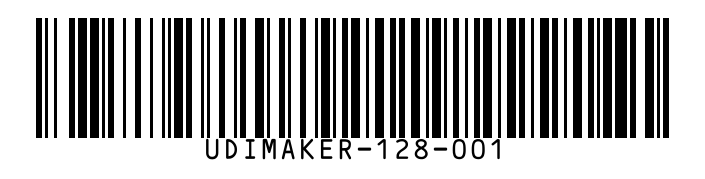
Generate Code 128 barcodeInstant browser generation. Fast export in SVG, PDF, and high-resolution PNG.
A SIMPLE WORKFLOW
Three steps to get started.
- 01
Enter barcode value
Type any alphanumeric value, SKU, asset tag, or serial number. Subsets A, B, and C are handled automatically.
- 02
Customize representation
Toggle human-readable text below the bars, adjust bar width and height, or add surrounding text.
- 03
Download or print
Export as vector SVG for zero-distortion scaling, PDF for thermal printing, or PNG for quick insertion.
MADE FOR THE TASK
Compact, reliable linear barcodes.
Code 128 is the industry standard for shipping containers, inventory asset tracking, and packaging. Its high density encodes letters, digits, and punctuation with excellent scan reliability.
Automatic Subsets (A/B/C)
Encodes ASCII 0-127 and numeric pairs with optimal compression for minimal barcode length.
Vector-Sharp Quality
Every bar is rendered as pure vector geometry, preventing the fuzzy edge scan failures common with raster generators.
Label Canvas Integration
Need more than a lone barcode? Position it within a complete shipping or product label in the same editor.
A LITTLE MORE DETAIL
Good to know.
How to print barcodes at the correct sizeLearn quiet zone rules, X-dimension specifications, and scanner resolution limits.What characters can I encode in a Code 128 barcode?
Code 128 can encode all 128 ASCII characters, including uppercase and lowercase letters, numbers 0-9, and standard punctuation marks.
Why use Code 128 instead of Code 39?
Code 128 is significantly more compact than Code 39 for the same data length and includes mandatory checksum digits for superior reading integrity.
Can I download the barcode symbol by itself?
Yes. You can export the Code 128 symbol as an isolated SVG or PNG, or place it on a sized label canvas.
Keep working in one place.
Explore another task, or open the full label designer.