BARCODE LABEL DESIGNER
Design custom barcode labels directly in your browser.
Create clean barcode labels with 1D Code 128 barcodes, GS1 DataMatrix, QR codes, readable product details, and packaging symbols in one online label designer.
Design a barcode labelSet physical dimensions in millimetres. Export print-ready SVG, PDF, or PNG.
A SIMPLE WORKFLOW
Three steps to get started.
- 01
Set your dimensions
Define width and height in millimetres to match your physical thermal or sheet label stock.
- 02
Add barcodes & text
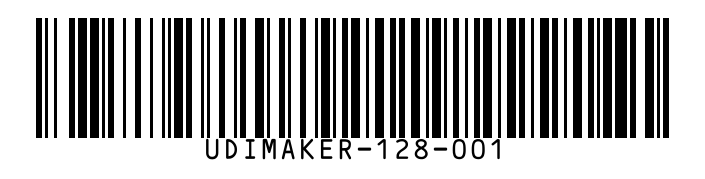
Add Code 128 linear barcodes, DataMatrix, product titles, SKUs, and regulatory symbols.
- 03
Export for printing
Download vector SVG, high-resolution 300 DPI PDF, or raster PNG ready for thermal label printers.
MADE FOR THE TASK
A versatile barcode designer for any label stock.
Whether you are labelling warehouse bins, packaging retail products, or organizing parts, combine clear barcodes with surrounding product typography without separate graphic software.
1D & 2D Barcode Support
Generate high-density Code 128 barcodes, GS1 DataMatrix 2D symbols, and QR codes.
Physical Millimetre Sizing
Set exact label dimensions in mm. Place elements visually with grid snapping and alignment helpers.
Print-Ready Vector Exports
Export sharp vector SVG and PDF with exact physical print bounds, or raster PNG and JPEG.
A LITTLE MORE DETAIL
Good to know.
How to save and reuse label templatesLearn how to keep a design ready for your next label.Can I print these labels on standard thermal printers (Zebra, Dymo, Brother)?
Yes. Export the label as a PDF or SVG sized to your exact label stock (e.g. 50x25mm, 100x50mm) and print directly at 100% scale without fit-to-page distortion.
What barcode types are supported in the designer?
UDImaker supports Code 128 linear barcodes, GS1 DataMatrix 2D symbols, QR codes, plus custom text, tables, shapes, uploaded images, and packaging symbols.
Is any software installation required?
No. The entire label designer runs in modern web browsers on desktop and tablet devices. No local drivers or plug-ins are needed.
Keep working in one place.
Explore another task, or open the full label designer.